How to add AI analytics to your existing security cameras without new hardware
· 6 min read · InsightCam
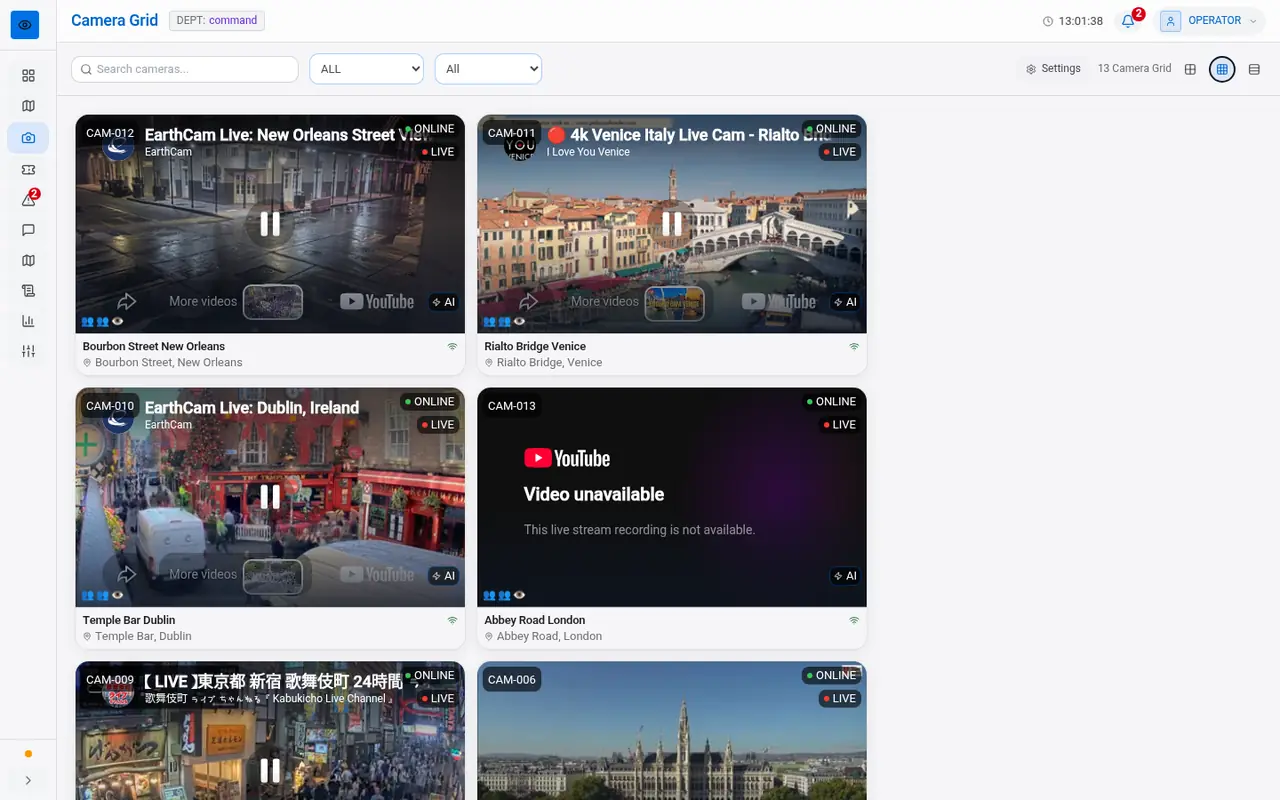
Most organisations already have plenty of cameras. Municipalities, campuses, embassies, retailers and logistics sites have spent years installing CCTV and IP cameras, and the footage is mostly recorded and rarely watched. When an incident happens, someone scrubs through hours of video after the fact. The question many security teams now ask is simple: can we make the cameras we already own understand what they see, without ripping them out and buying "AI cameras"?
The answer is usually yes. This guide explains how AI analytics can be added to existing cameras, what you need on site, what it costs and what to watch for on privacy and reliability.
Why you probably don't need new cameras
Modern AI video analytics run on software, not on the camera's sensor. What the AI needs is an image of reasonable quality: a resolution of around 720p or better, sensible exposure and a view that is not blocked. Almost every IP camera sold in the last ten years, and many analogue cameras connected to a recent DVR or NVR, can provide that.
"Smart" cameras with built-in analytics do exist, but they tie you to one manufacturer, only offer the detections that vendor shipped, and usually mean replacing working hardware. A software layer that sits on top of your current cameras lets you keep your investment, mix brands, and add new detections without touching the device on the wall.
What you need
To add AI analytics to an existing system you generally need three things.
- A way to read images from each camera. For IP cameras this is normally an RTSP stream or an ONVIF snapshot URL. For older analogue cameras it is the RTSP output of the DVR/NVR they plug into. Some cameras also publish a plain HTTP snapshot URL. We explain the protocols in detail in RTSP vs ONVIF: connecting any IP camera to AI monitoring.
- A secure path from the camera network to the analytics. Either a small gateway on site that reaches the cameras on the local network and connects out over an encrypted connection, or a cloud connection to cameras that are already reachable securely. Opening camera ports directly to the internet is not recommended.
- The monitoring service itself, which understands what the cameras see and turns it into alerts, incidents and dashboards your team can act on.
That is it: no new cameras, no rewiring and usually no change to your existing recording system. The analytics run alongside your VMS or NVR, not instead of it.
What you get
Once your cameras are connected, InsightCam watches them for you and tells your team when something needs attention. Instead of a raw label, each alert includes a short plain-language description, for example: "Two people near the gate, one carrying a large bag, vehicle parked in the fire lane", together with the image and the time it happened.
Because it is designed to be affordable across many cameras, you can cover every camera rather than a handful of critical ones. We look at cost and privacy in more detail in Smart AI alerts vs 24/7 video watching.
What you can detect
With the cameras you already have, typical detections include:
- people and crowd counts, loitering and access to restricted zones;
- vehicles, wrong-way driving and parking in forbidden areas;
- unattended bags or objects;
- fire and smoke;
- camera tampering, such as a covered, blurred or moved camera;
- custom rules described in plain language, for example "a person on the roof after 22:00".
Each detection can create an alert with the exact image that triggered it, so operators can verify quickly rather than trusting a label.
Costs to expect
Because no hardware is replaced, the main costs are software and setup. Pricing is usually per camera per month, plus a one-off onboarding fee that covers connecting cameras, setting zones and tuning rules. On-site gateways, if needed, are small computers rather than new cameras. To see how this would work for your site, book a demo and we can start with a short pilot on a handful of cameras.
The hidden cost to plan for is people time: someone has to decide which alerts matter, who receives them and what the response is. The technology is the easy part; the workflow is what makes it useful.
Privacy and compliance
Adding AI to cameras changes what the system can infer, so treat it as a privacy project as well as a security one.
- Purpose and proportionality. Define what you are looking for (fire, intrusion, safety) and avoid analysis you do not need.
- No facial recognition by default. Most security goals can be met by detecting behaviour and objects, not identities.
- Data minimisation. Keeping only images attached to alerts, for a set period, means far less personal data than storing continuous video in the cloud.
- Legal basis and notice. In Israel the Privacy Protection Law and its Amendment 13 apply; in Europe, the GDPR. Signage, retention limits and a clear policy remain your responsibility. Our privacy policy describes how we process camera images.
A simple rollout plan
- Pick five to ten cameras that cover places where incidents actually happen: entrances, parking, loading bays, perimeters.
- Connect them through RTSP or ONVIF and confirm image quality day and night.
- Start with two or three rules that map to real procedures, such as fire and smoke, after-hours presence and unattended objects.
- Run for a few weeks, review every alert with the team and tune sensitivity and zones.
- Expand to more cameras and rules once the alerts are trusted.
Common pitfalls
- Cameras pointed at the sky or into the sun produce poor analysis; small adjustments help more than any AI setting.
- Very old or low-resolution streams may need a sub-stream or a snapshot URL with higher resolution.
- Too many alerts on day one erode trust. Start narrow and widen gradually.
- Remember that AI is decision support. It should help people respond faster, not replace trained staff or life-safety systems.
The bottom line
You do not need new cameras to get AI analytics. If your cameras can produce a clear image over RTSP, ONVIF or a snapshot URL, a software layer can add smart alerts and plain-language descriptions on top of what you already own. To see it on your own cameras, create an account and connect your first camera, or look at the live examples on our home page.